The proper way to Uninstall DivX on a Mac computer:
- Open a new Finder window and open your Applications folder
- Find and open up the DivX folder
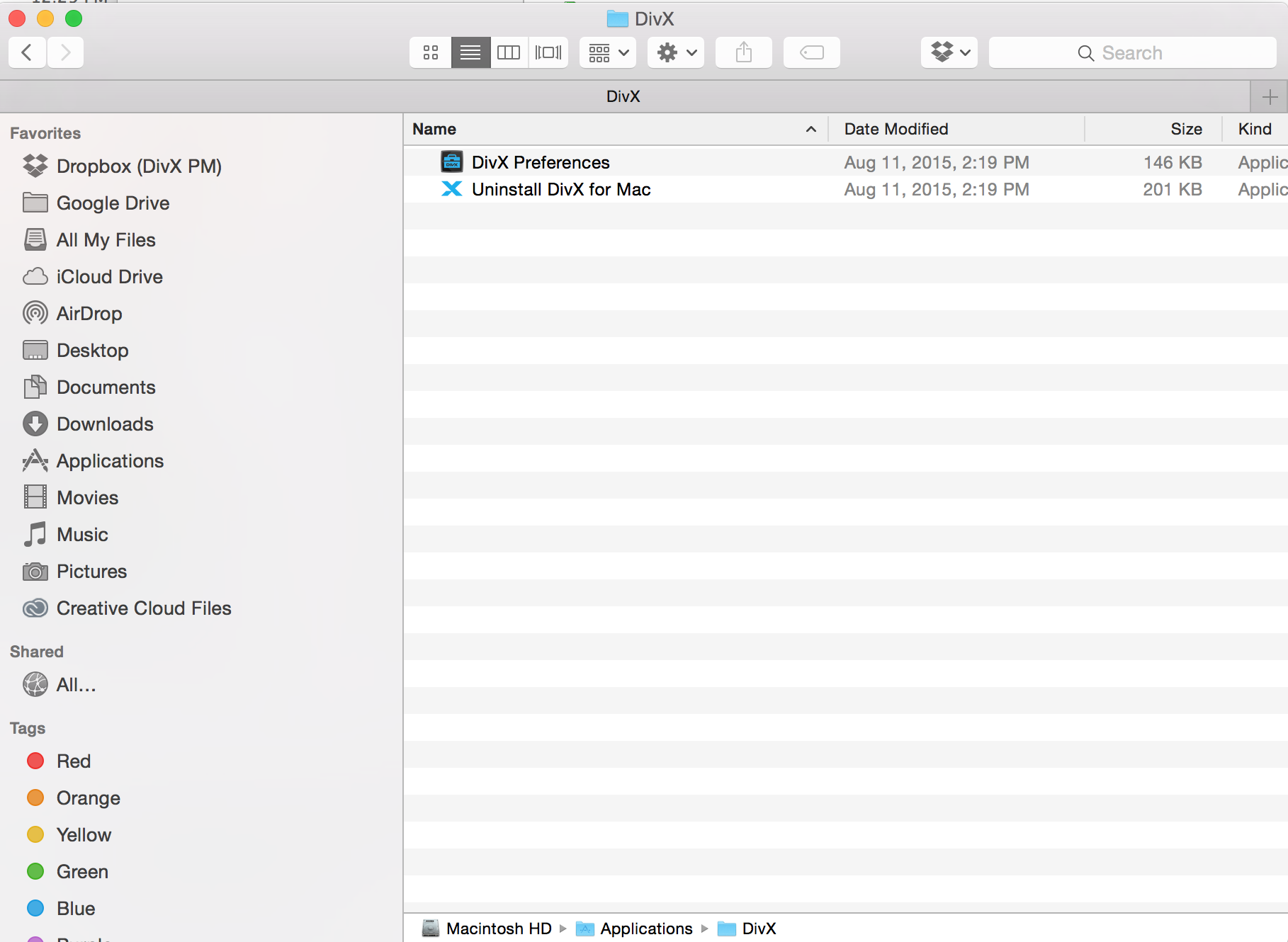
- Launch the Uninstall DivX for Mac application and finish the uninstall process


The proper way to Uninstall DivX on a Mac computer:
Comments
2 comments
Hi there, the Divx app is no longer functional on the latest mac software, when I try to "uninstall" it tells me it needs an update. Please help, I'd like to remove it and install the latest.
Thank you!
"Hi there, the Divx app is no longer functional on the latest mac software, when I try to "uninstall" it tells me it needs an update. Please help, I'd like to remove it and install the latest. Thank you! "
Try this guide for uninstalling DIVX, It helped me.
Please sign in to leave a comment.