
To create a playlist in DivX Player follow these steps:
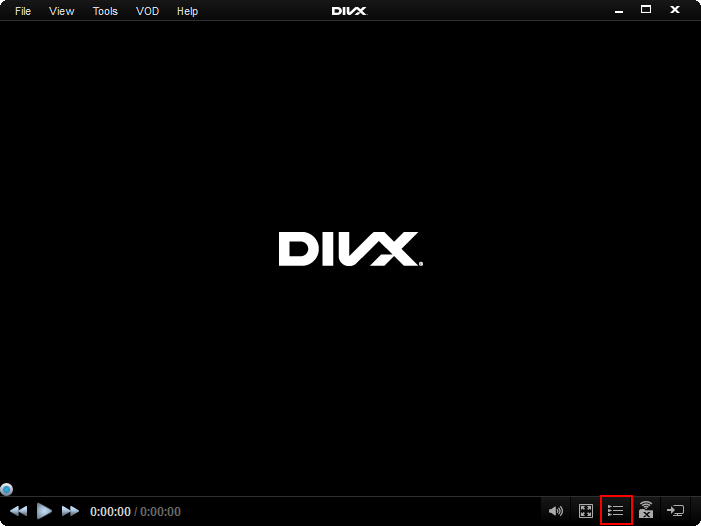
- Go to the Video Library (or menu View > Show Video Library) :
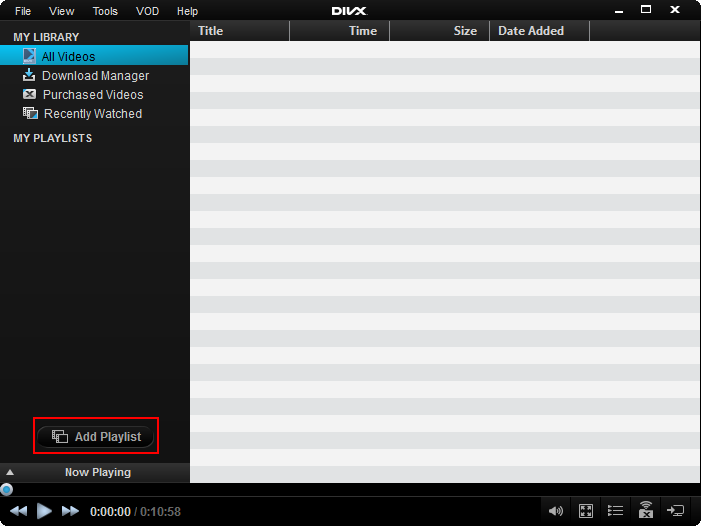
- Click on the Add Playlist button under the navigation pane (or right click in the Navigation pane and select Add New Playlist > Create New Playlist) :
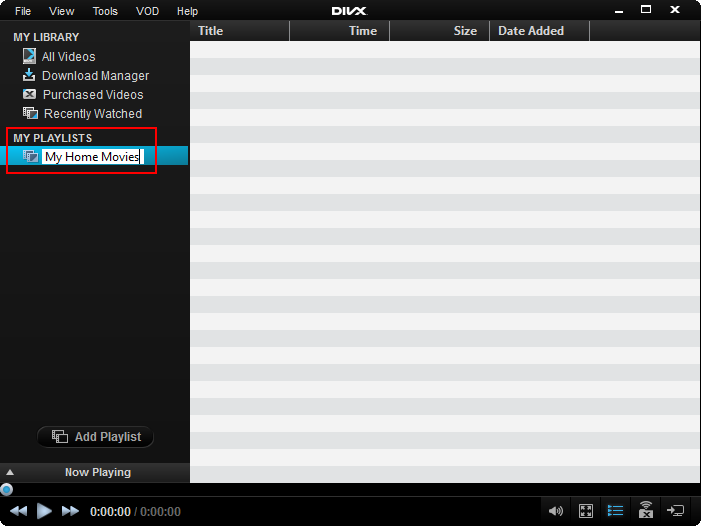
- A new playlist will appear under My Playlists:

- Name the playlist:
Comments
0 comments
Please sign in to leave a comment.