To delete a playlist in DivX Player follow these steps:
1. Go to the Video Library
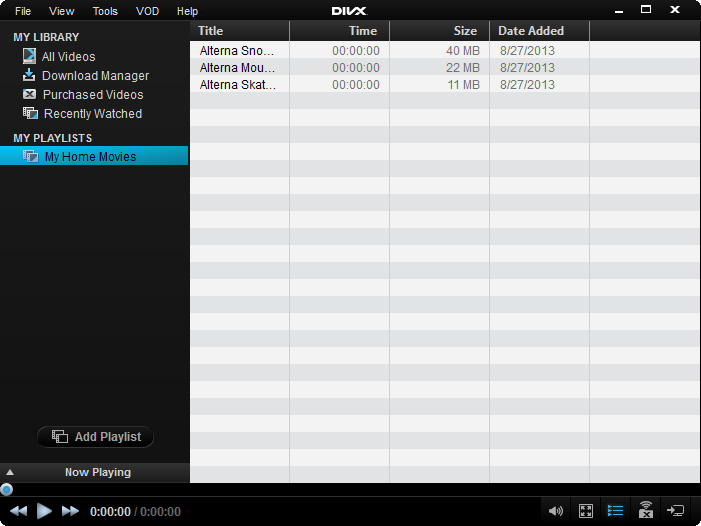
2. Right click on the playlist you would like to delete
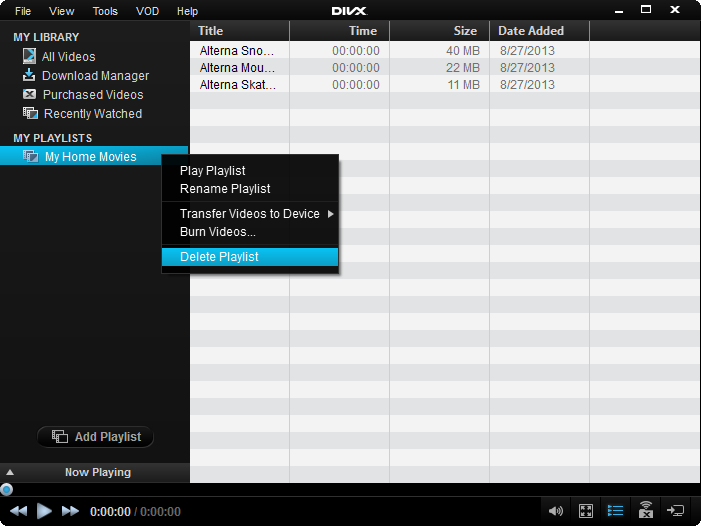
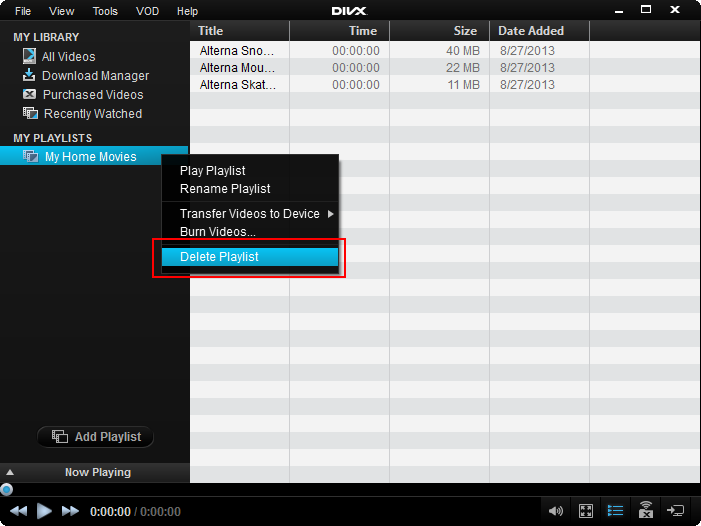
3. Select “delete playlist”
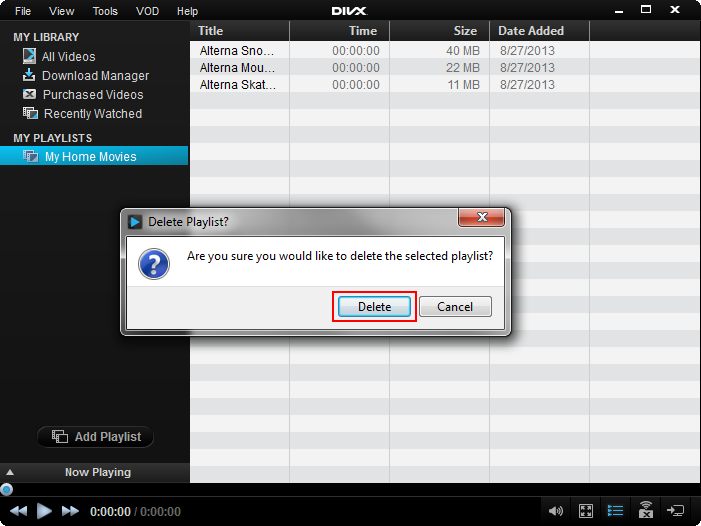
4. Hit Delete on warning message

To delete a playlist in DivX Player follow these steps:
1. Go to the Video Library
2. Right click on the playlist you would like to delete
3. Select “delete playlist”
4. Hit Delete on warning message
Comments
0 comments
Please sign in to leave a comment.